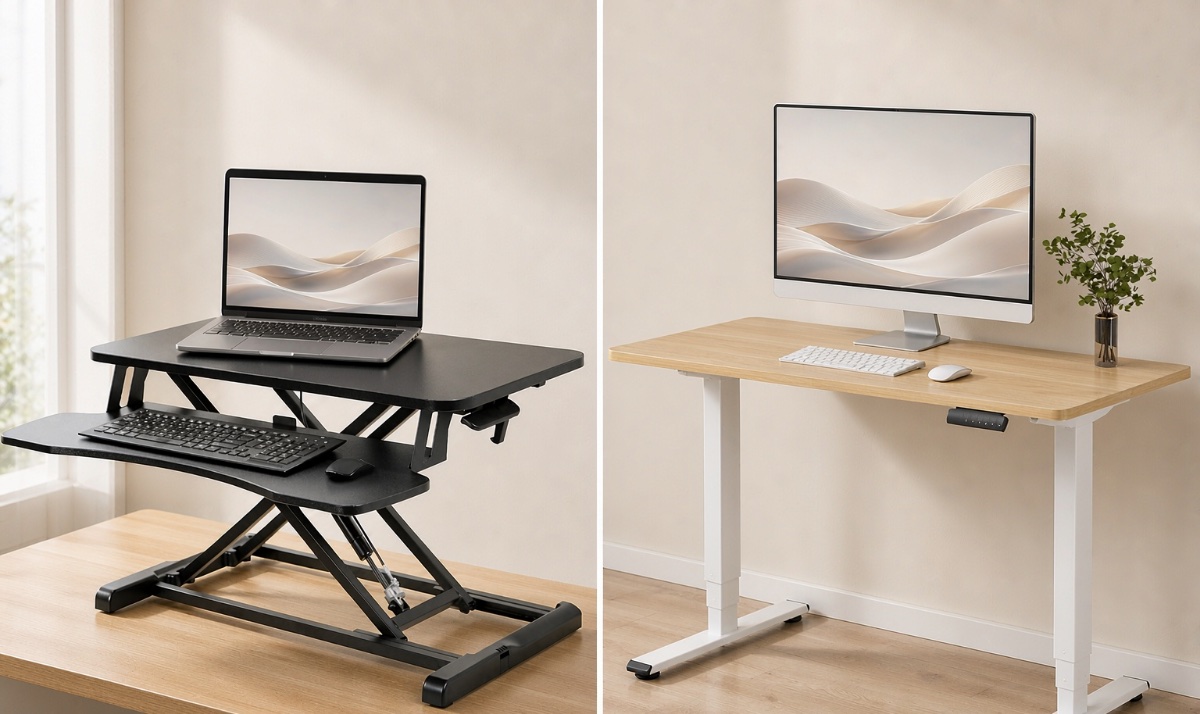
Choose a standing desk converter if keeping your current desk is the priority and the converter fits your typing height, equipment and available space. Choose a full height-adjustable desk if you want your whole work surface to move, need more usable room at standing height, or cannot get a comfortable seated setup with an add-on.
For a permanent home office where replacing the furniture is practical, our starting recommendation is a full electric standing desk with the right height range. Moving your keyboard, mouse, notes and monitors together makes it easier to keep the same working layout as you change position. A converter is the more targeted purchase: it adds movement to furniture you have a reason to keep.
The important comparison is not simply “cheap versus premium.” A converter can be a lasting solution, and a full desk can still be the wrong height. Measure your setup before choosing either.
Research note: This guide compares workstation designs using manufacturer specifications and published workplace guidance. We have not tested these products side by side. Product specifications are manufacturer-listed, not our own measurements.
Standing desk converter vs full desk: the practical differences
Here, “standing desk” means an adjustable sit-stand desk, rather than a fixed-height standing table. The main comparison is a desktop converter versus a full electric desk, although both product categories also include other adjustment mechanisms.
| What matters | Standing desk converter | Full electric standing desk |
|---|---|---|
| Existing furniture | Keeps your desk; adds a lifting platform | Replaces your desk, or sometimes its frame if the desktop is compatible |
| Workspace that rises | Only the converter’s supported surfaces | The whole desktop |
| Seated typing height | Depends on the existing desk and the tray’s lowest position | Depends on the desk’s minimum finished height and any keyboard accessories |
| Space requirements | Needs a suitable base surface plus clearance through its movement | Needs floor space, leg clearance and clearance through its movement |
| Adjustment | May be manual, spring-assisted or electric | Powered; memory presets depend on the model |
| Equipment | Check upper-platform and tray limits separately | Check the frame’s load definition, desktop and accessory compatibility |
| Cost | Can avoid replacing furniture, but accessories add up | Compare complete desk cost, including the desktop and delivery |
| Main reason to choose it | You want or need to keep the current desk | You want the entire workstation to adjust together |
When a standing desk converter is worth it
A converter makes the most sense when you already have a desk you like, a built-in worktop, or furniture you cannot replace. You keep its storage, finish and place in the room while adding an adjustable area for computer work.
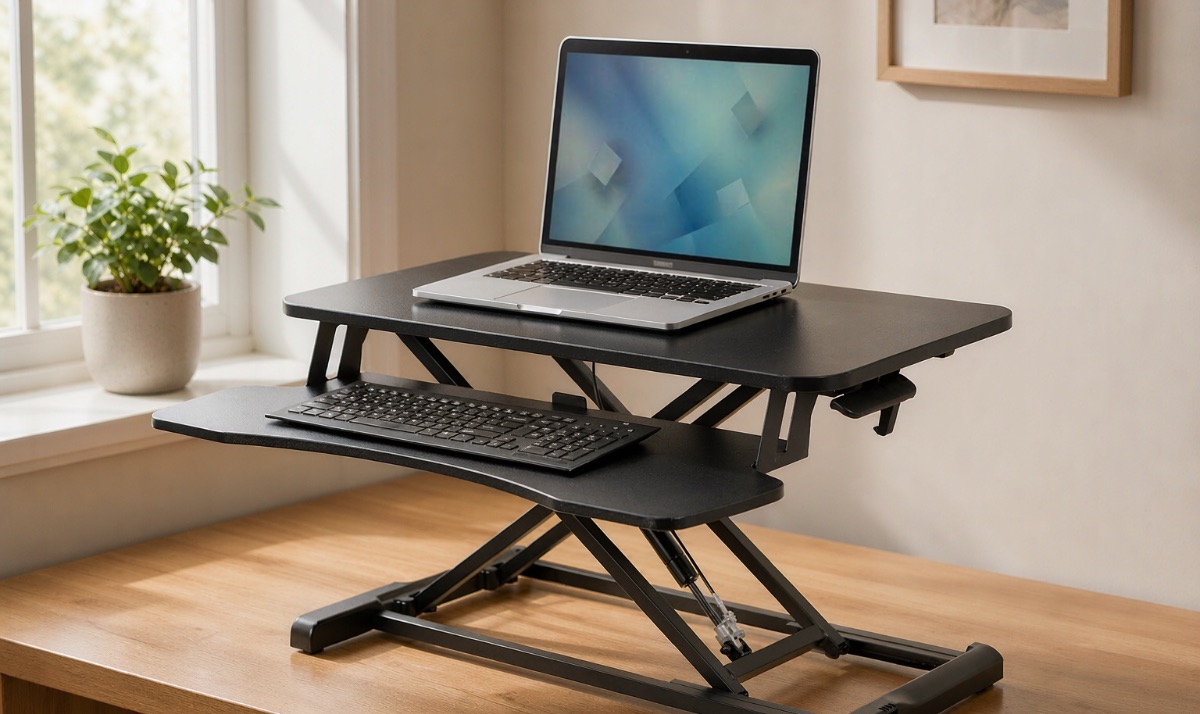
It also suits a setup where only a small group of items needs to rise. A keyboard, mouse and suitably supported monitor may fit comfortably even when the rest of the desk stays at its original height. The deciding factor is the actual equipment footprint, not a simple rule that converters are only for laptops.
A manual converter can be useful when you do not want the lifting mechanism to need an outlet. Your computer and monitors may still need power, and not every manual mechanism feels equally easy to operate with equipment installed.
Our recommendation: buy a converter when preserving the existing furniture is a real benefit and the fit checks below pass. Do not buy one merely because it looks like the smaller or cheaper option in a product photo.
A converter does not have to be a temporary stepping stone to a “proper” desk. If the typing position, equipment layout and adjustment work for you, there is no automatic reason to replace it later.
When a full electric standing desk is the better choice
A full desk is the stronger starting point for a workstation that needs substantial space at both sitting and standing height. Think of a setup with monitors, a keyboard, a large mouse pad, reference papers and a notebook you use throughout the day.
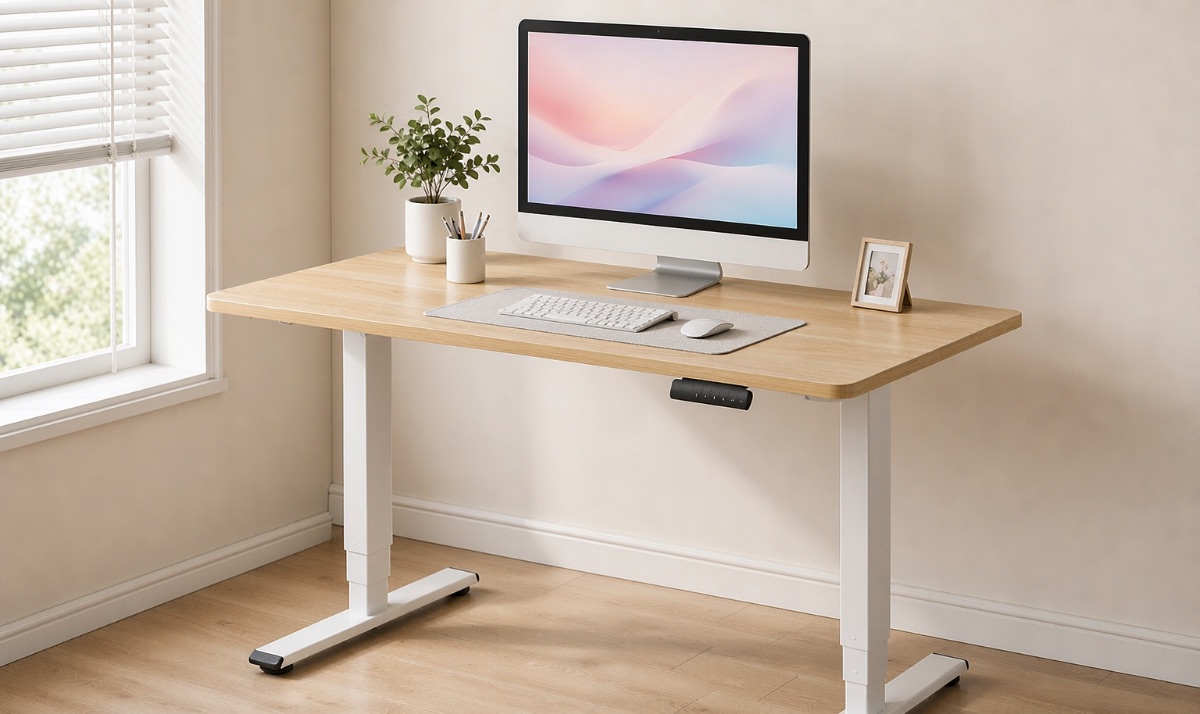
With a converter, a notebook left on the original desk stays down when you raise the computer. With a full desk, it rises with everything else. That distinction matters more than the appearance of either setup.
Electric adjustment can also make frequent position changes easier to repeat. If the chosen model has memory presets, you can store useful positions instead of finding them each time. Check that feature rather than assuming every electric desk includes it.
Our recommendation: favor a full desk when you are furnishing a permanent workstation, can replace the existing furniture, and want a larger continuous working surface. Confirm its lowest usable height first: an electric motor cannot fix a desk that starts too high for seated typing.
For model-level comparisons, see our FlexiSpot standing desk guide. Our EN1 review and E6 review cover two specific options rather than representing every electric desk.
Check seated keyboard height before standing height
The easiest mistake is to check whether a converter rises high enough and forget how it works when lowered.
A converter adds structure above your existing desktop. Its keyboard tray may sit close to that surface, above it, or on a different level depending on the design. If your desk already places the keyboard too high, adding a converter may make the seated position harder to arrange.
The Safety Elf’s workspace comparison specifically flags raised seated surfaces, legroom and the need to check both ends of the adjustment range. Use these checks before ordering:
- Find your seated typing position. With your chair supporting you and your shoulders relaxed, identify where your keyboard and mouse can sit without making you reach upward or outward. Check foot support and room for your legs as part of that setup.
- Measure from the floor to that typing surface. Compare it with the actual keyboard position the converter or desk can provide at its lowest setting.
- Repeat for standing. Check the typing position with the footwear you normally use, rather than selecting a product solely from a claimed user-height range.
- Set the screen separately. A keyboard height that works for your arms does not establish the right screen position. Check the monitor stand or arm’s adjustment range too.
For a converter, the useful calculation is:
Floor-to-keyboard height = existing desk height + keyboard-tray offset from the desktop + keyboard height.
Use the tray’s own offset at the relevant setting, not the upper platform’s advertised height. Some designs place the tray below the desktop edge, so the offset can be negative.
For example, a hypothetical 29-inch desk plus a tray 1 inch above it places the tray at 30 inches, before adding the keyboard. That calculation is not a VIVO specification or a recommended height; it shows why two converters on the same desk can fit differently.
Small home office? Compare the whole footprint
A desk converter usually avoids adding another piece of floor-standing furniture. That does not automatically make it the best choice for a small room.
The base must fit securely on the existing desk. The keyboard tray may project toward you, and some lifting designs move forward as they rise. You also need somewhere for the chair to go when you stand. Check the dimensions in both positions, not just the upper platform width.
A compact electric desk might replace your existing desk within a similar floor area while providing one continuous surface. Conversely, replacing a built-in desk may be impractical even if a standalone desk would offer more usable room.
Measure three things: the furniture footprint, the area you actually work on, and the clearance needed as it moves. Choose the option that fits all three.
Dual monitors: check weight, depth and mounting
Either format can support a dual-monitor setup when the exact model and mounting arrangement allow it. Screen count alone is not enough to decide.
The VIVO DESK-V000K product page provides a useful example. For the V000K configuration, the manufacturer lists:
| Specification | Manufacturer-listed value |
|---|---|
| Upper surface | 31.5 × 15.7 inches |
| Upper-surface weight capacity | 33 lb |
| Keyboard-tray weight capacity | 4 lb |
| Listed height-adjustment range | 4.5–20 inches |
Source checked November 1, 2026. The page covers multiple sizes; these dimensions refer to the V000K. The listed adjustment range should not be assumed to describe the keyboard tray’s floor-to-typing height.
The separate load ratings matter. Do not treat the two capacities as one interchangeable allowance. Add the weight supported by each surface, including stands or arms where applicable, and follow the mounting instructions.
Monitor stand feet can occupy more depth than expected. A clamp needs compatible surface thickness, underside clearance and an approved mounting location. If the arm stays attached to the original desk while the keyboard rises, it must independently accommodate the required screen positions.
A full desk needs the same attention to mounting compatibility. Crossbars, drawers and desktop construction can interfere with clamps. Neither a high load rating nor an electric motor proves that a setup will be wobble-free.
Our VIVO DESK-V000K review provides additional model-specific context.
Manual or electric: choose the adjustment you will use
A spring-assisted converter can offer convenient adjustment without a powered lift. Its practical effort depends on the mechanism and supported load. Check whether the instructions specify a minimum or maximum operating load, and whether height changes are continuous or stepped.
A full electric desk moves the whole working surface using its controls. That can be particularly useful when you switch positions frequently or share a workstation with someone who uses different settings. Presets are convenient, but the available range still has to fit both users.
Converters can also be electric, and full desks can use a manual crank. If your objection is lifting effort or the need for an outlet, compare mechanisms rather than treating “converter” and “electric” as opposites.
Look for a usable return or trial policy if you cannot assess adjustment effort before purchase. Check return shipping and packaging requirements; “returnable” does not necessarily mean inexpensive to return.
Compare total setup cost—not just the advertised price
Do not assume a converter will always cost less than a complete electric desk. Prices overlap, and a setup that needs an additional monitor arm or keyboard accessory may change the comparison.
Use these two totals:
- Converter route: converter + required accessories + delivery, while keeping a suitable existing desk.
- Full-desk route: compatible frame and desktop, or complete desk + required accessories + delivery and any assembly or old-furniture removal costs.
Do not compare a complete converter with a frame-only desk price. Equally, do not add an anti-fatigue mat or cable accessory to only one side unless that particular setup requires it.
If your existing desktop could be reused on an adjustable frame, treat that as a third route. Verify mounting, dimensions and structural compatibility before assuming it will work.
We have not included live prices here: this is a choice between workstation formats, and a short-lived discount should not override a poor fit.
Which option fits your home office?
| Your situation | Our starting recommendation | What could change it |
|---|---|---|
| You must keep a built-in or valued desk | Converter | Its lowest typing position, footprint or load limits do not work |
| You regularly use papers and peripherals beside the keyboard | Full adjustable desk | All necessary items fit comfortably on a suitable converter |
| Your existing seated keyboard position is already too high | A desk with a verified lower typing position | A compatible tray or another properly supported setup solves the height problem |
| You want manual adjustment without powering a lift | Manual converter or crank desk | Adjustment effort is unsuitable for your load or needs |
| Two people share the workspace | Electric desk with suitable range and presets | Another mechanism fits both users and is convenient to adjust |
| You have heavy monitors and a large workstation | Start with full desks that meet the equipment requirements | A particular converter and mounting arrangement satisfy all limits |
For a permanent home office with no compelling reason to retain the existing desk, we would start by comparing full electric desks. They let the whole working layout change height together.
If the existing furniture is important, a well-fitting converter is a legitimate long-term choice. The deciding test is whether you can work comfortably in both positions with your actual equipment—not whether one category is marketed as an upgrade over the other.
Questions before you buy
Are standing desk converters worth it?
Yes, when they preserve useful furniture and provide a suitable seated and standing setup. They are less attractive when solving their height, space or accessory limitations brings the total cost close to a better-fitting complete desk.
Is a full standing desk always more stable?
No. Stability depends on the frame or lift mechanism, height, loading, floor and assembly. A category label is not a stability test. Look for evidence about the specific model at a comparable height and equipment load.
Can a converter work with a laptop?
Yes, but consider separate input devices. Raising a laptop for viewing also raises its built-in keyboard; an external keyboard and mouse let you arrange typing and viewing positions separately.
Should I stand all day once I buy one?
That is not the purpose of either setup. Use the adjustment to change position and keep movement in your day. Neither purchase is a treatment for pain or a guarantee of improved productivity.
Sources and editorial method
This is an editorial buying guide, not a hands-on test or a statistical review study. We used the following published comparisons for context and checked the VIVO figures against its manufacturer page:
- Remtek Workplace: Desk Converter vs Standing Desk — furniture format, setup and workspace comparisons.
- Ergo Desks: Standing Desks vs. Desk Converters — retailer perspective on space, cost and adjustment.
- The Safety Elf: Standing Desk vs Desk Converter — seated height, travel clearance, equipment compatibility and usage considerations.
- VIVO: DESK-V000K series — manufacturer specifications for the named configuration.
The comparison articles were reviewed from supplied text copies. They are UK sources, so their delivery terms, prices and warranties are not applied to US purchases. Selected community screenshots helped identify questions to address; they were not used to establish complaint rates, verified ownership, product dimensions or current prices.